Fits on a Raspberry Pi
One file, no agent, collector or stack: it reads /proc and
/sys directly. Light enough for a Pi Zero, small by design.
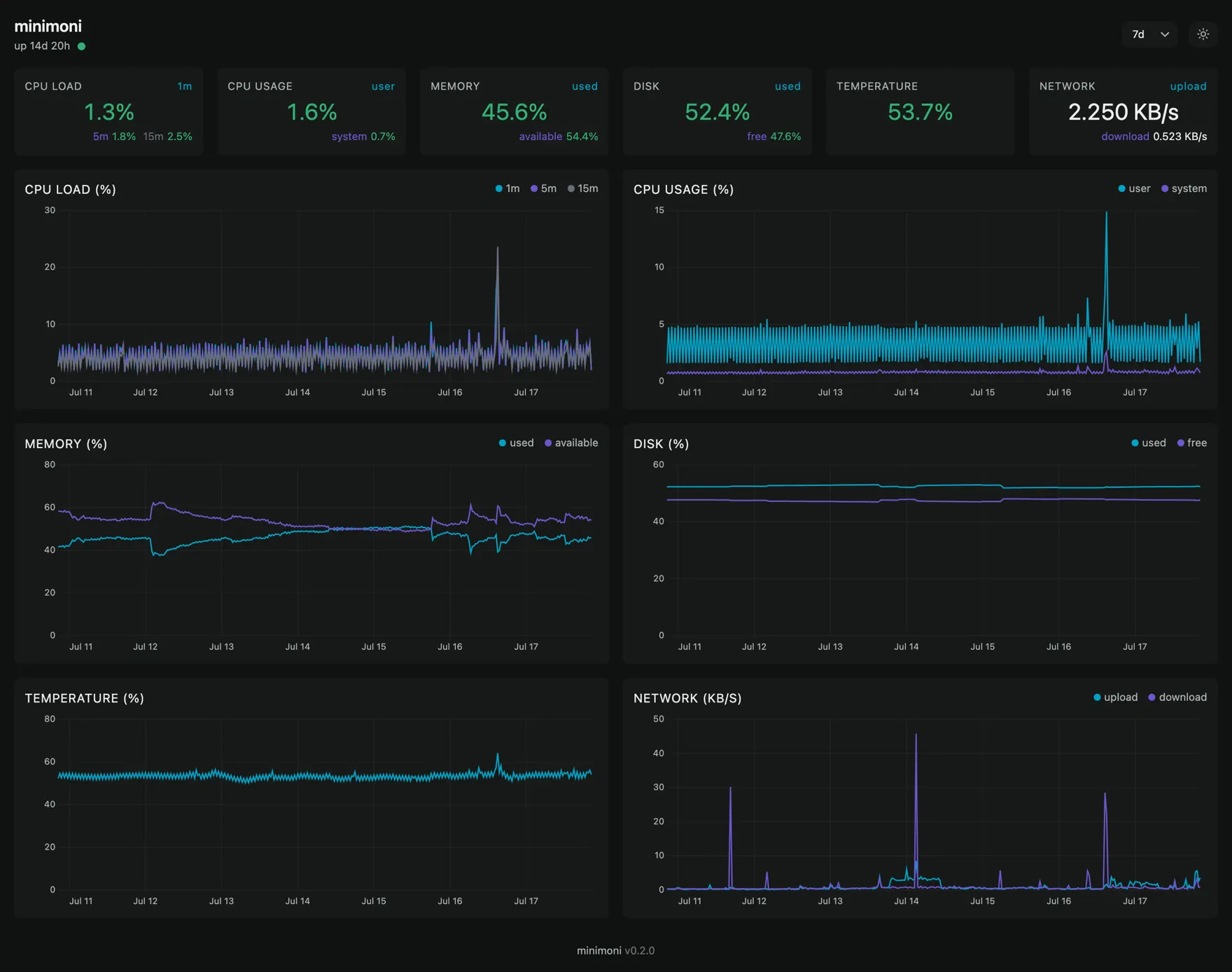
Live CPU, memory, disk, temperature, and network for a single Linux host.
~1.2 MB binary~1.7 MB RAM0 dependenciesGPLv3+
One file, no agent, collector or stack: it reads /proc and
/sys directly. Light enough for a Pi Zero, small by design.
Set a threshold and forget it. When it trips, it hits a webhook or runs a command, with a built-in cooldown.
A canvas UI embedded in the binary, backed by an internal database, no external store. Open in any browser.
Grab the static binary for your architecture. Nothing else to set up.
ARCH=$(uname -m)
case $ARCH in
  x86_64)  ARCH=amd64 ;;
  aarch64) ARCH=arm64 ;;
  armv7l)  ARCH=armv7 ;;
  armv6l)  ARCH=armv6 ;;
esac

BASE=https://github.com/javierbeaumont/minimoni/releases/latest/download
curl -fsSL $BASE/minimoni-linux-$ARCH -o /usr/local/bin/minimoni
chmod +x /usr/local/bin/minimoni

minimoni serve   # http://localhost:8080
Each release binary carries SLSA build provenance
you can verify
with gh attestation verify.
minimoni is designed to serve a single host's metrics over time, reachable from any browser.
For anything else, reach for the right tool:
Development happens in the open on GitHub. Bugs, ideas and patches are all welcome, with one caveat: minimoni stays small on purpose, so anything that adds a runtime dependency or grows the binary noticeably will be turned down.
minimoni --version, your OS and your config.